Building a Home Lab : A Beginner's Guide
Create your own learning environment for networking, servers, and cybersecurity

The key is having infrastructure you control completely, where mistakes have no consequeadsnces beyond your own learning.
Hi
etrytreytre Starting Simple: Virtualization Most beginners should start with virtualization on their existing computer. You don't need special hardware. rteyrteytrey Free Hypervisors: rhjghfjhgfjghfjghf VirtualBox: Easy to use, runs on Windows, Mac, and Linux VMware Workstation Player: Free for personal use, excellent performance sdfgs Hyper-V: Built into Windows 10/11 Pro With 16GB of RAM, you can comfortably run 2-3 virtual machines simultaneously—enough to simulate a small network with a domain controller, web server, and client machine. The Next Level: Dedicated Hardware When you outgrow virtualization on your main PC, consider dedicated hardware: ewrtr4w Option 1: Mini PCs ($100-400) Intel NUCs, HP ProDesk Minis, or Lenovo ThinkCentre Tinys are compact, quiet, and power-efficient. Perfect for running Proxmox or ESXi hypervisors. Option 2: Used Enterprise Servers ($200-800) Dell PowerEdge or HP ProLiant servers from eBay offer incredible value. An R720 or DL380 with dual Xeons and 64GB RAM can be found for under $300. Warning: they're loud and power-hungry. Option 3: Custom Build ($500+) Build your own with a Ryzen processor, 64GB+ RAM, and plenty of storage. Balance performance, noise, and power consumption to your needs.gsdf Networking Essentials A proper lab network teaches networking fundamentals: Managed Switch: Used Cisco, HP, or TP-Link managed switches let you configure VLANs and learn networking concepts Router/Firewall: pfSense or OPNsense running on old hardware or a mini PC provides enterprise-grade routing and security Access Point: Separate from your main home WiFi for isolated lab testing Essential Projects to Try Beginner: Set up a Windows Active Directory domain Deploy a Linux web server with Apache/Nginx Configure a DNS and DHCP server Intermediate: Build a containerized application with Dockerthis is from P tag
Set up a Kubernetes cluster Implement network segmentation with VLANs Advanced: Create a vulnerable lab for penetration testing practice wertew Implement SIEM and log analysis Build a hybrid cloud environment connecting to AWS/Azure Budget Considerations You can start a home lab for almost nothing using virtualization on existing hardware. A capable dedicated lab can be built for $500-1000 using used equipment. Only invest more once you know your specific needs. The most important investment isn't money—it's time. Document what you build, keep notes, and embrace the troubleshooting process. That's where the real learning.Comments (0)
No comments yet.
Leave a comment
Related Articles
View all stories
Hostinger vs Bluehost (2026)
This comparison explains the differences between Hostinger and Bluehost in pricing, performance, WordPress support, and usability. Both are beginner-friendly, but Hostinger offers better pricing while Bluehost provides stronger WordPress integration.

Bluehost Review 2026
This Bluehost review explains its features, performance, pricing, and suitability for beginners. Bluehost is a good hosting option for starting blogs, affiliate websites, and small business sites with ease.
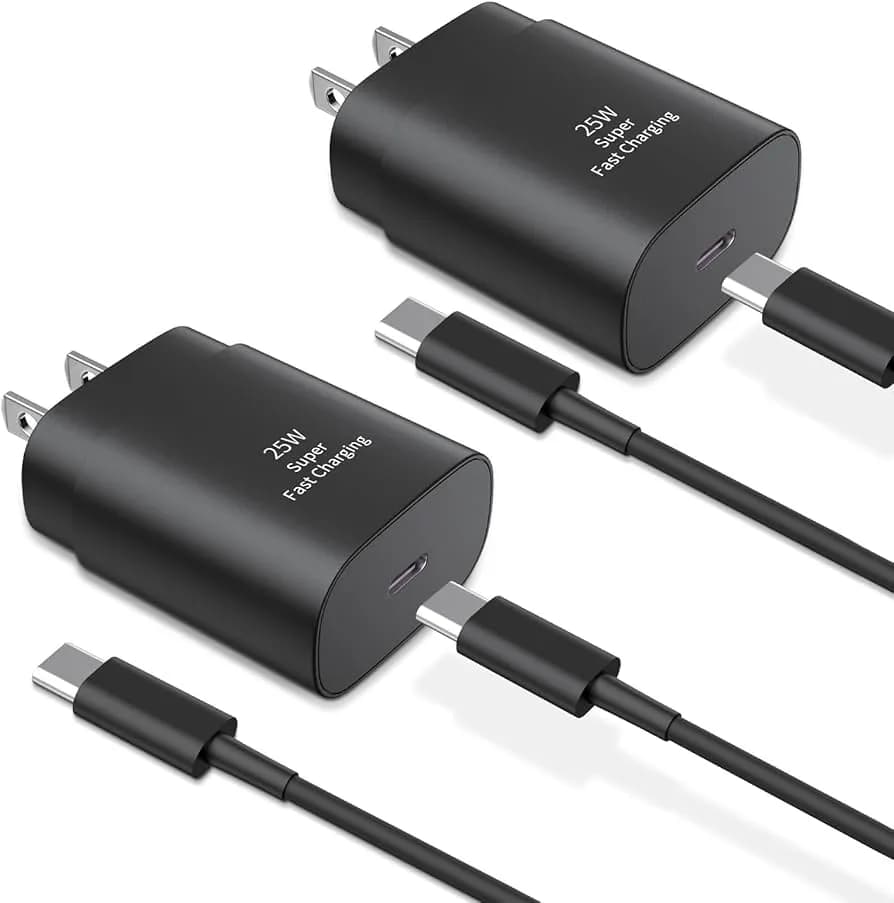
Best USB-C Fast Charging Adapters in 2026
This article reviews the best USB-C fast charging adapters, explains charging standards like PD & QC, covers wattage options, and guides you to choose the right charger for your device.