Back to Blog
Technology
Top Low Budget PCs You Can Buy in 2026
Powerful and Affordable Desktop PCs for Gaming, Work, and Study
By Admin
Jan 6, 2026
3 views
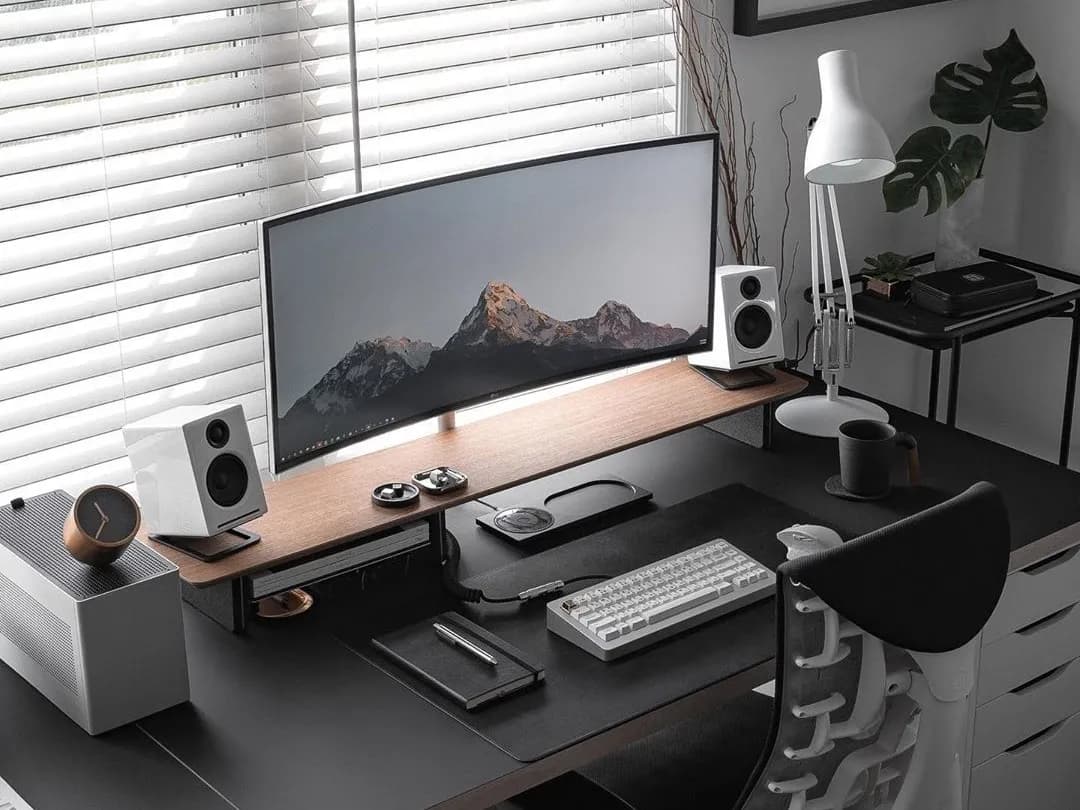
Best Budget PCs in 2026
Affordable Desktop Computers for Gaming, Work, and Everyday UseShort Summary Building or buying a budget PC in 2026 is easier than ever. Thanks to efficient CPUs, affordable GPUs, and faster storage, you can get excellent performance for gaming, office work, content consumption, and even light content creation—without spending a fortune. This article explains the best budget PC options and how to choose the right one for your needs.What Is Considered a Budget PC in 2026?
A budget PC typically falls between $400–$700 and is designed to handle: .Everyday tasks (browsing, YouTube, Zoom, Office) .Casual to mid-level gaming .Light photo/video editing .Programming and study work You don’t get luxury RGB or ultra-4K performance—but you do get solid value.
Key Components That Matter Most
1. Processor (CPU) The CPU is the brain of your PC. Best budget choice: Modern 6-core processors .Smooth multitasking .Great for students and freelancers Tip: A strong CPU matters more than a weak GPU for office and learning PCs.2. Graphics (GPU or Integrated)
.Integrated Graphics: Enough for daily use and light gaming .Dedicated GPU: Better for gaming and editing Budget PCs today can run popular games at 1080p low–medium settings comfortably.3. RAM
.Minimum: 8GB .Recommended: 16GB More RAM = smoother multitasking and future-proofing.4. Storage (SSD)
.Always choose SSD over HDD. .Faster boot time .Faster app loading .Better overall experience Best combo: 512GB NVMe SSD5. Power Supply & Case
.Choose a reliable PSU (don’t cheap out here) .Airflow-focused case keeps components cool and lasts longer
Best Budget PC Categories
Best Budget PC for Office & Study Good for: .Students .Online classes .Office work Why it’s good: .Quiet .Low power consumption .Very affordable Best Budget PC for Gaming Good for: .Esports titles .Casual gamers Why it’s good: .Smooth 1080p gaming .Upgradeable later Best Budget PC for Content Creators .Good for: .YouTube beginners .Photo editing .Coding Why it’s good: .Strong CPU .Enough RAM for editing software Prebuilt vs Custom Budget PC Prebuilt PC – Pros .No setup hassle .Warranty included .Good for beginners Custom PC – Pros
.Better performance for the price
.Easier upgrades
.Higher-quality components
If you’re comfortable learning basics, custom builds offer more value.
Common Mistakes to Avoid
.Choosing HDD instead of SSD
.Buying unknown power supplies
.Overspending on RGB instead of performance
.Ignoring future upgrade options
Custom PC – Pros
.Better performance for the price
.Easier upgrades
.Higher-quality components
If you’re comfortable learning basics, custom builds offer more value.
Common Mistakes to Avoid
.Choosing HDD instead of SSD
.Buying unknown power supplies
.Overspending on RGB instead of performance
.Ignoring future upgrade optionsFrequently Asked Questions
Comments (0)
No comments yet.
Leave a comment
Related Articles
View all stories
Technology•Jan 19, 2026
Hostinger vs Bluehost (2026)
This comparison explains the differences between Hostinger and Bluehost in pricing, performance, WordPress support, and usability. Both are beginner-friendly, but Hostinger offers better pricing while Bluehost provides stronger WordPress integration.

Technology•Jan 17, 2026
Bluehost Review 2026
This Bluehost review explains its features, performance, pricing, and suitability for beginners. Bluehost is a good hosting option for starting blogs, affiliate websites, and small business sites with ease.
Technology•Jan 14, 2026
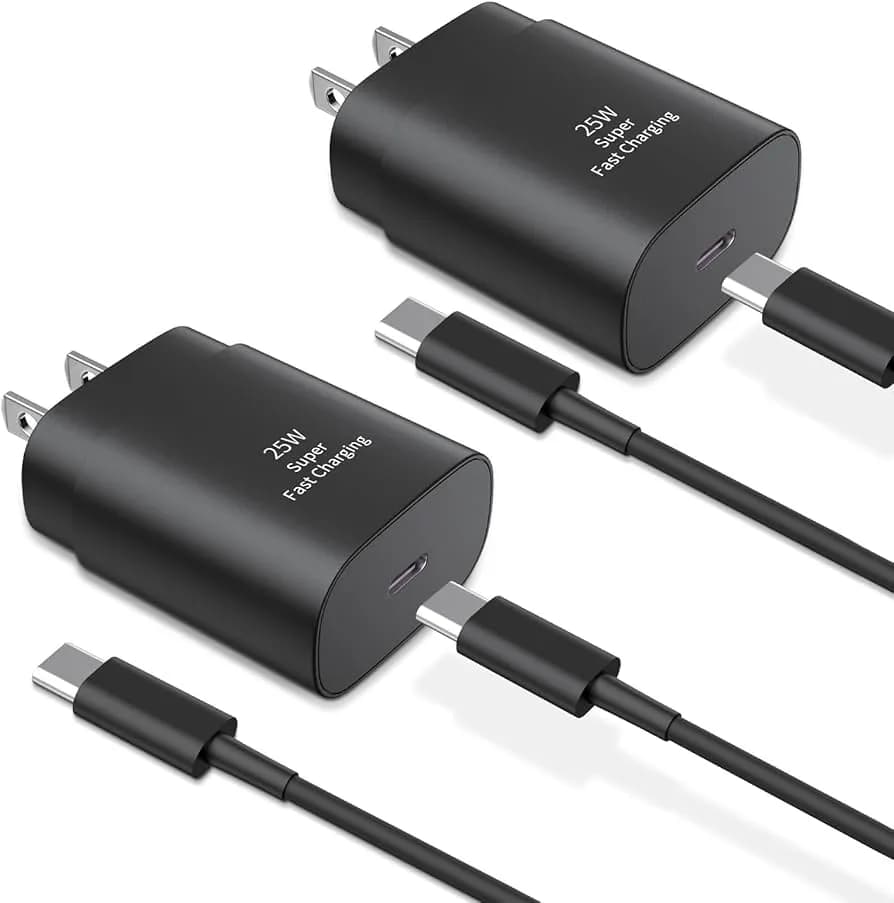
Best USB-C Fast Charging Adapters in 2026
This article reviews the best USB-C fast charging adapters, explains charging standards like PD & QC, covers wattage options, and guides you to choose the right charger for your device.